Scan the medal
Use the phone camera to scan the QR code, or tap the phone against the NFC-enabled medal.
The medal requires no battery and no dedicated app.

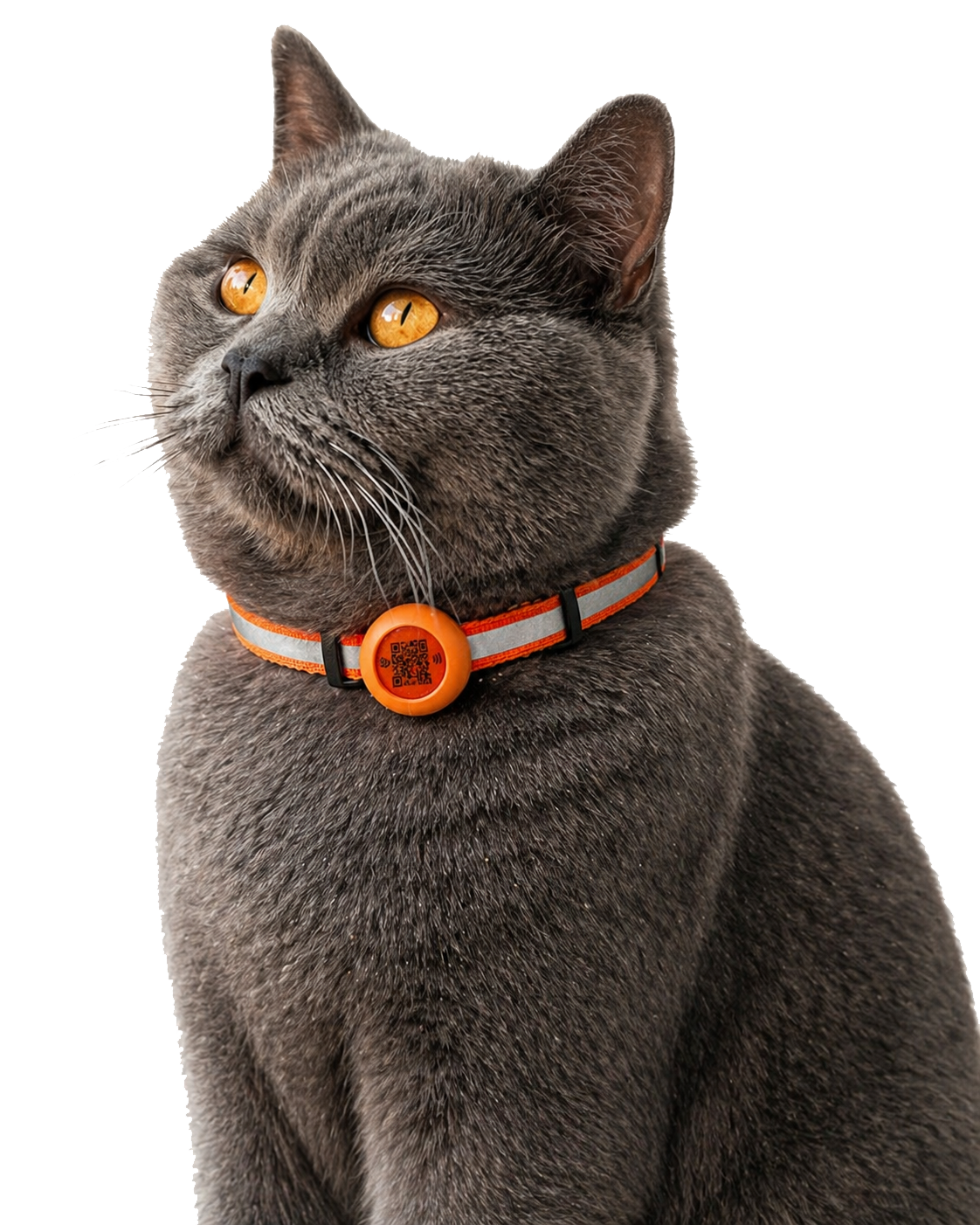
SmartTapply turns a QR and NFC medal into a secure digital identity, helping anyone who finds the pet access only the information you choose to share.
Every stage is designed to be clear and fast, from the first scan to securely sharing the pet profile.
Use the phone camera to scan the QR code, or tap the phone against the NFC-enabled medal.
Enter your email and follow the verification steps to securely connect the medal to your account.
Add the pet name, photo, contact details, and the health or emergency information you need.
Control the information shown publicly while keeping private details inside your account.
When the pet is found, the person can instantly open the profile and use the available contact information.
Activate the SmartTapply medal and create a digital identity that can be reached when it matters.
Activation links the medal QR identity to your account and pet profile. Never share your one-time verification code.
Use the phone camera and open the SmartTapply link shown.
If the medal is unclaimed, the secure activation flow will be shown.
Use an email address you can access to receive verification.
Enter the one-time code delivered to your email.
Add the pet details or link the medal to the correct existing profile.
Confirm contact and emergency details, then scan the QR again to verify the public result.